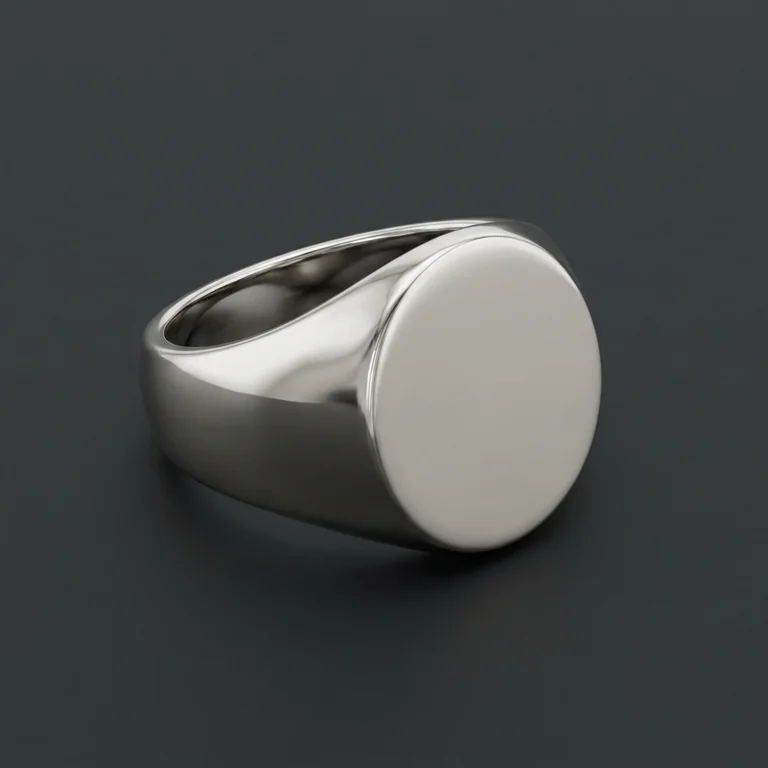
Your catalog, as a guide.
Customers pick a style from pictures, and the same picture guides the AI, so the render matches the shape they chose. Swap in photos of your own pieces.
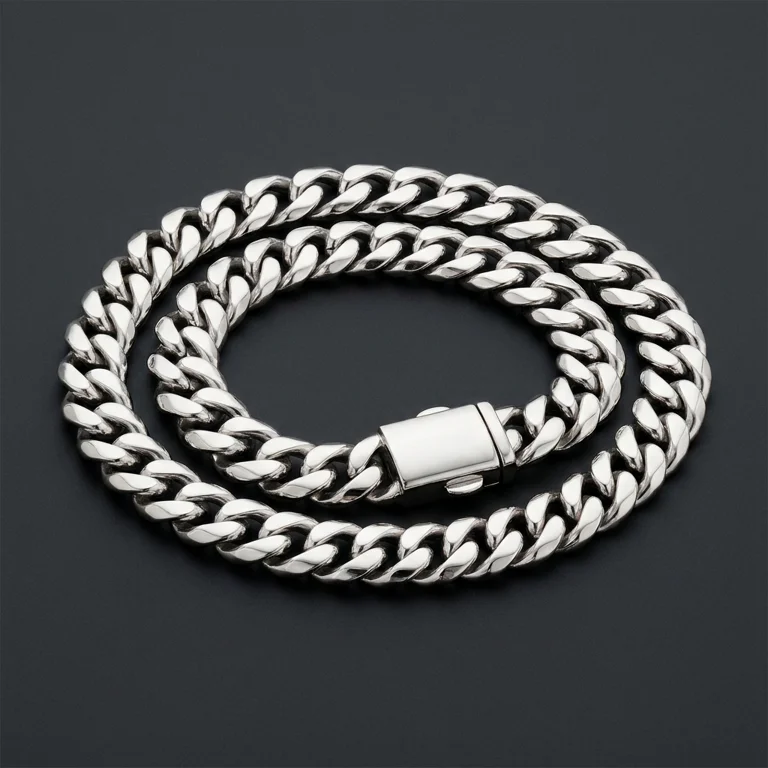
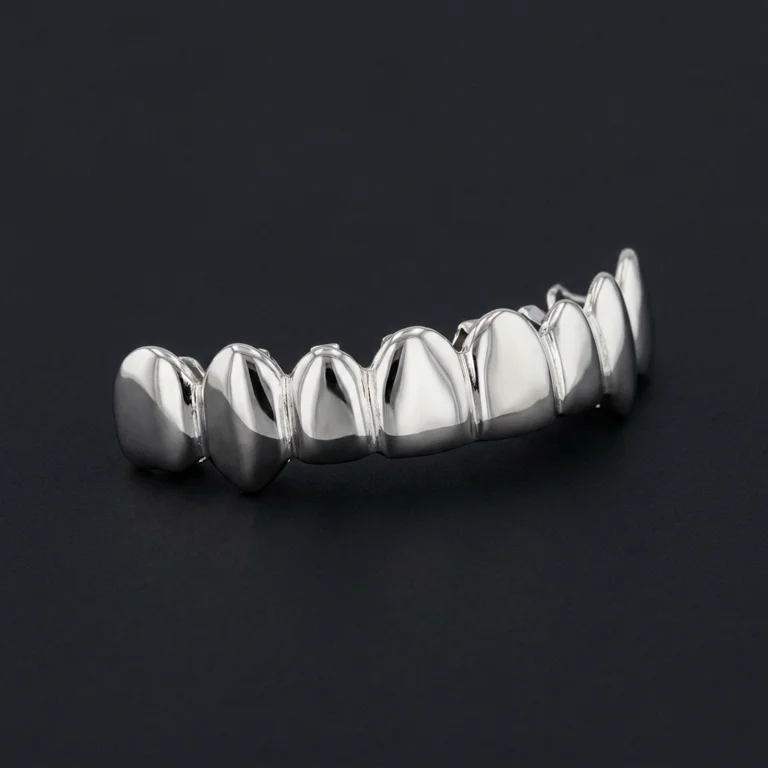
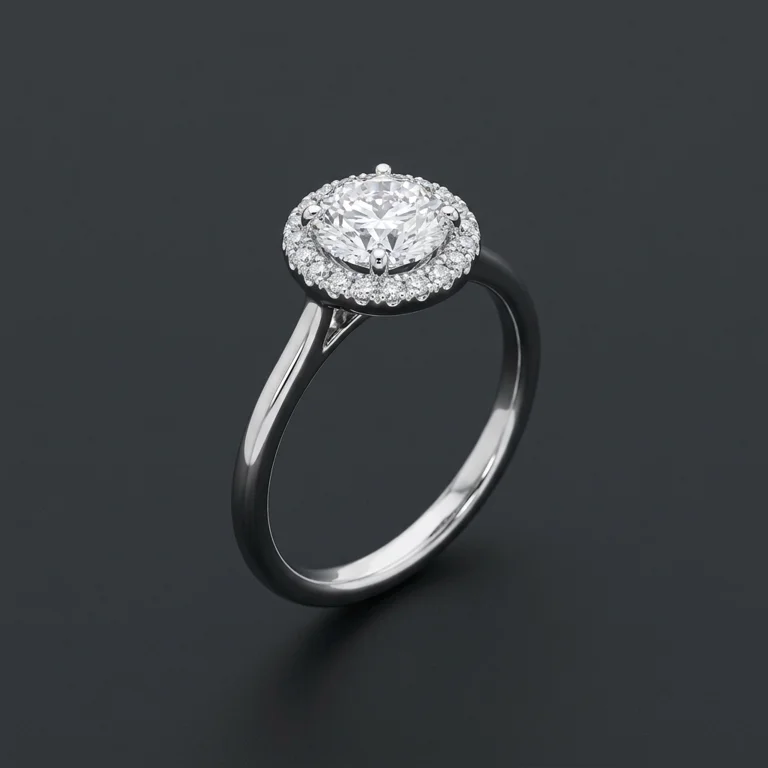
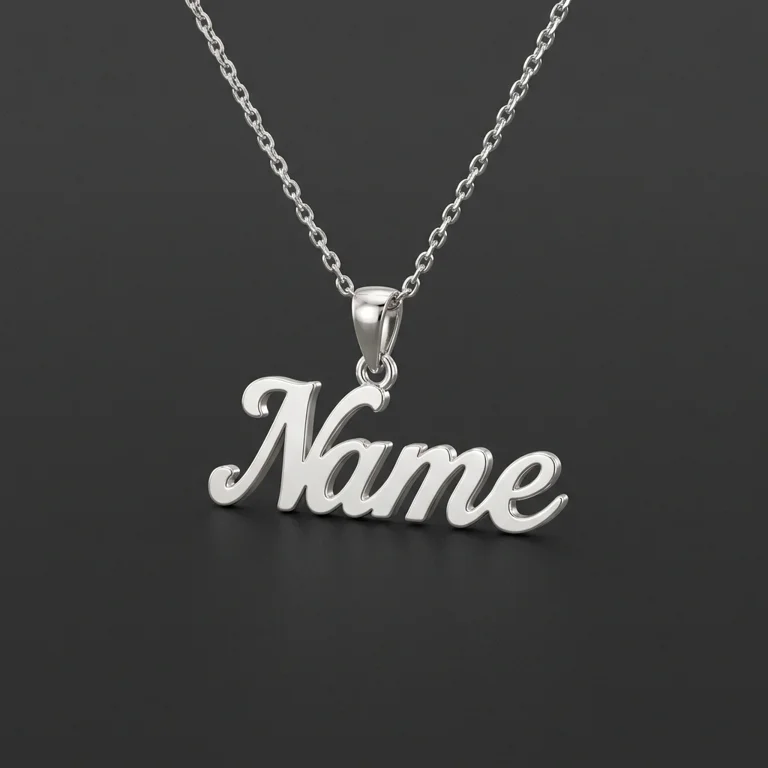
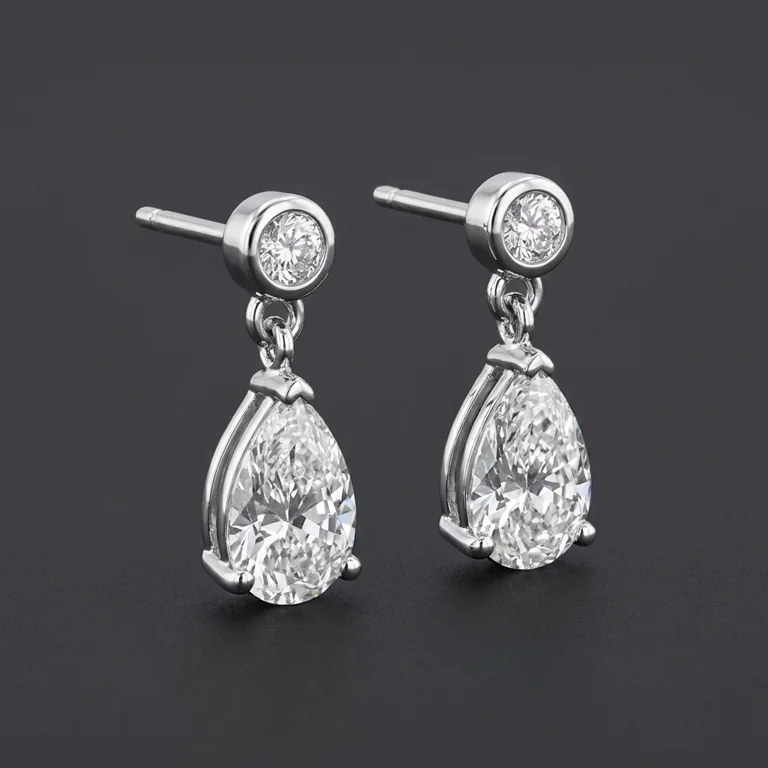
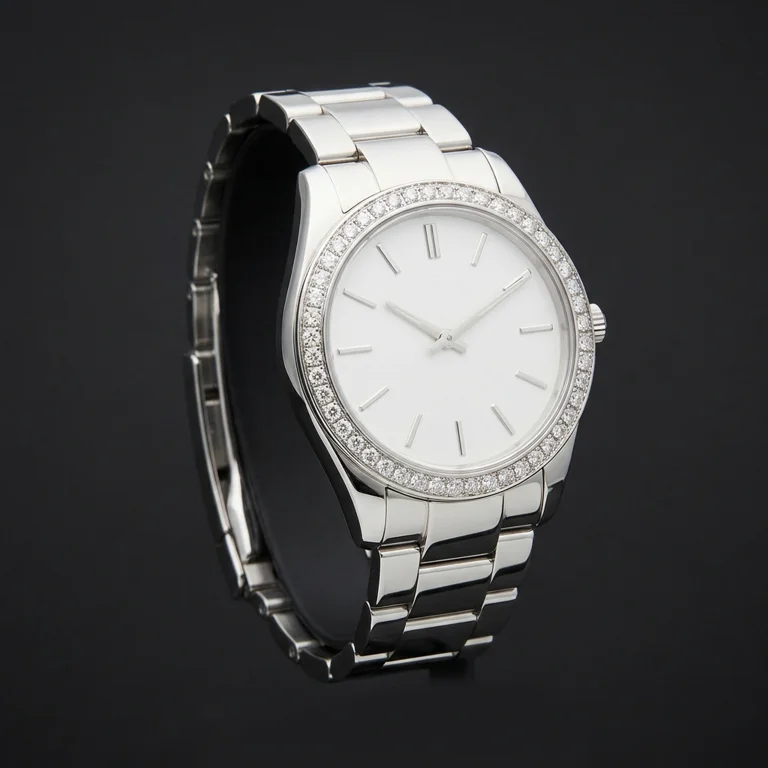
AI design studio for custom jewelers
Customers build their custom piece on your website and see a photorealistic render in seconds. You get a lead with the render, the exact specs and their budget.
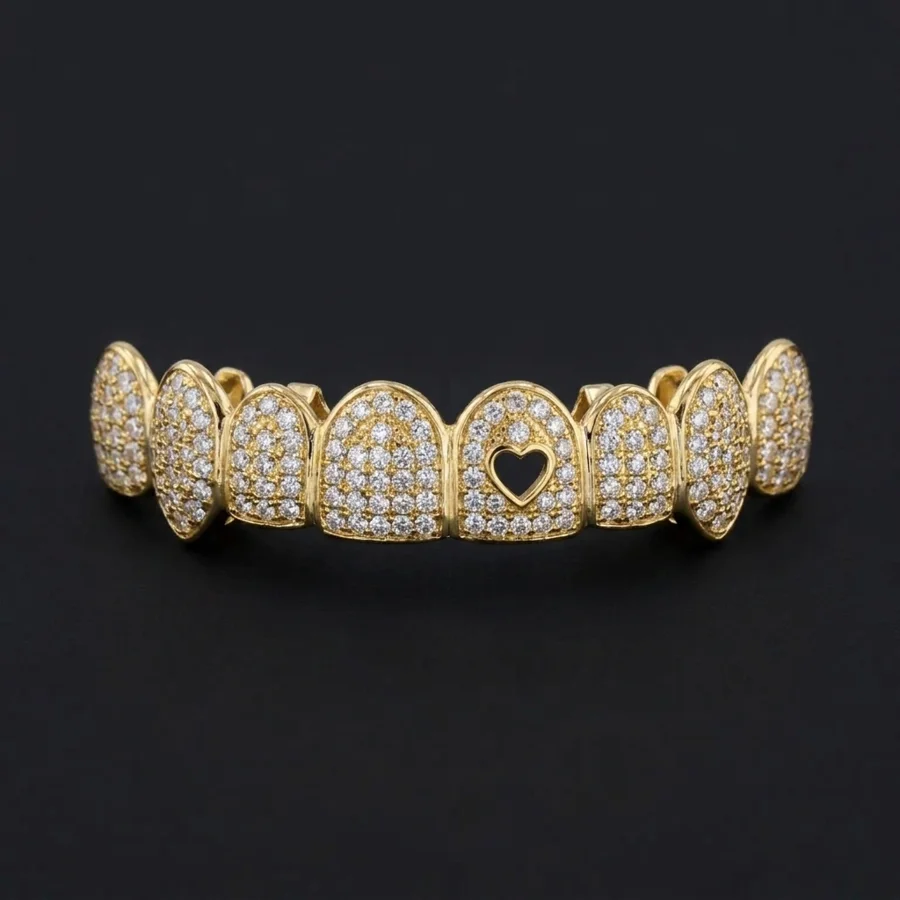
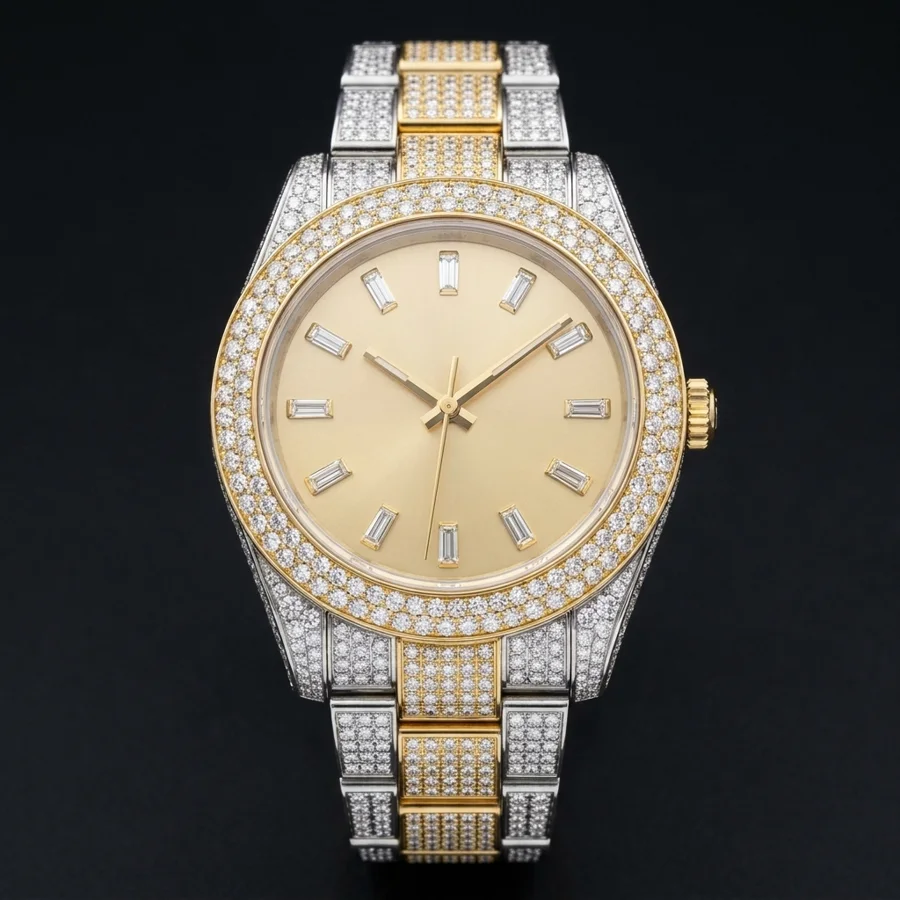
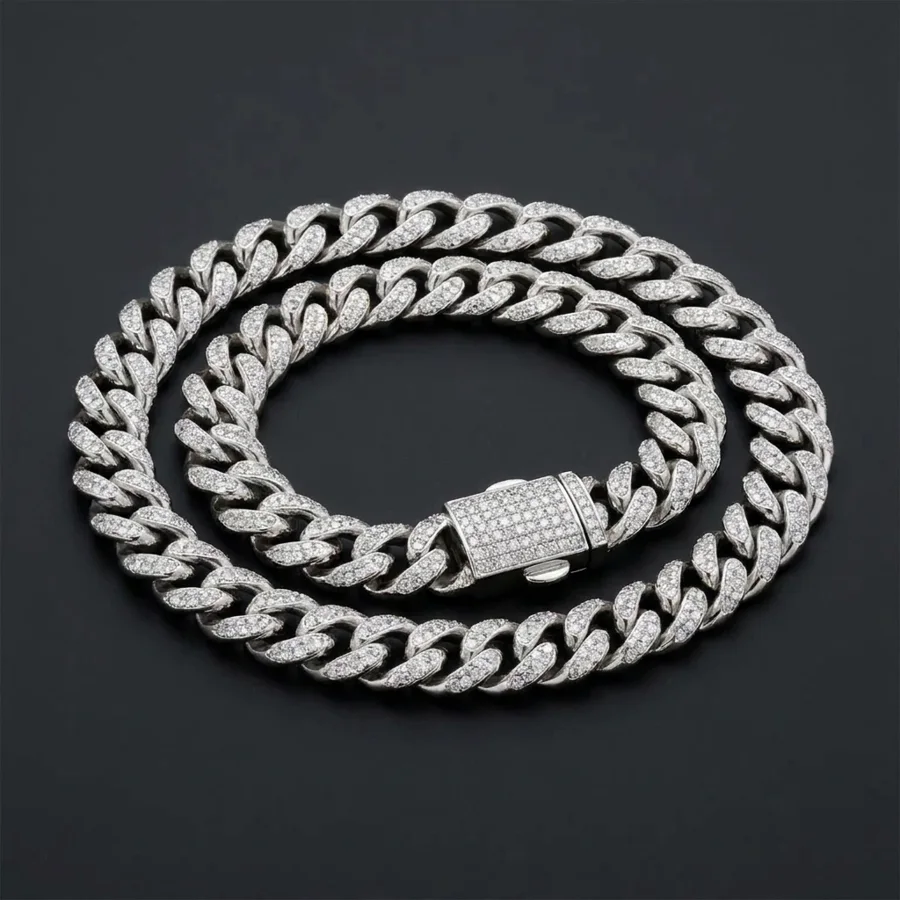
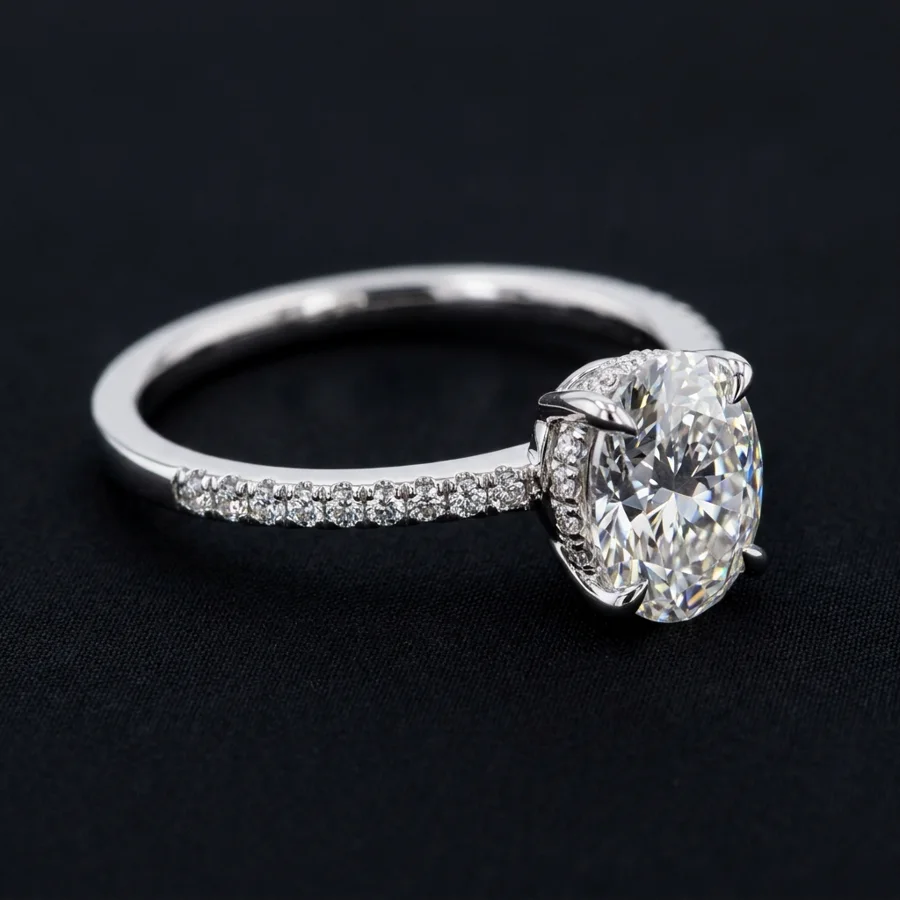
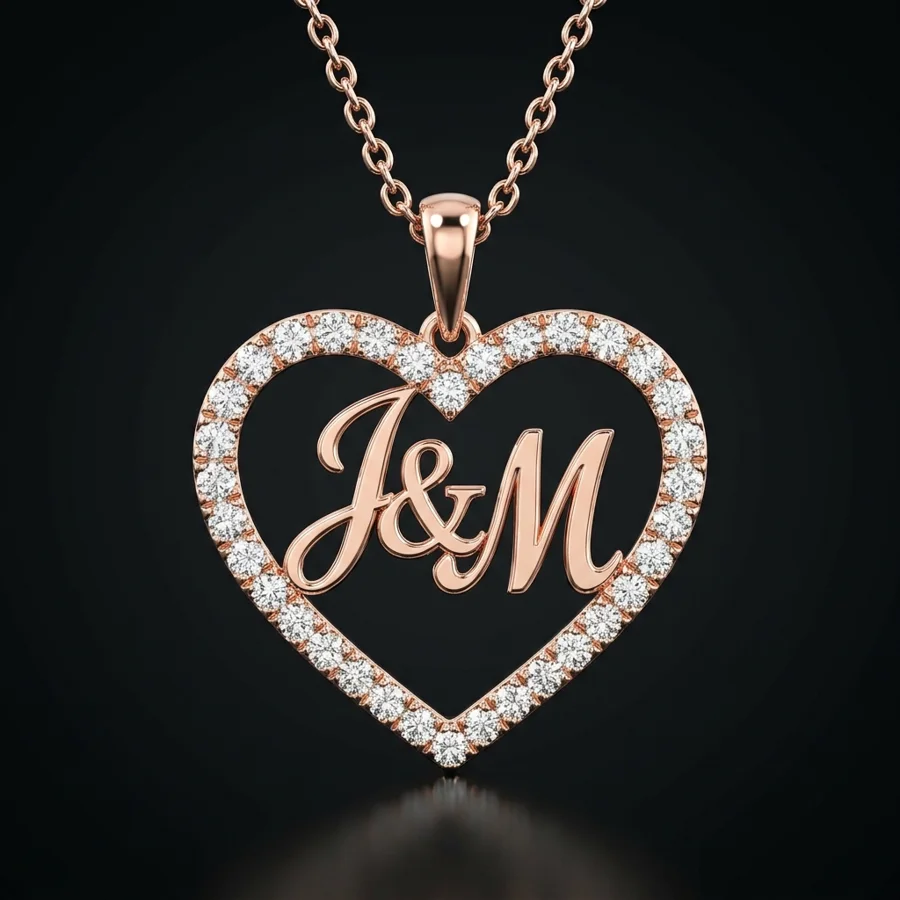
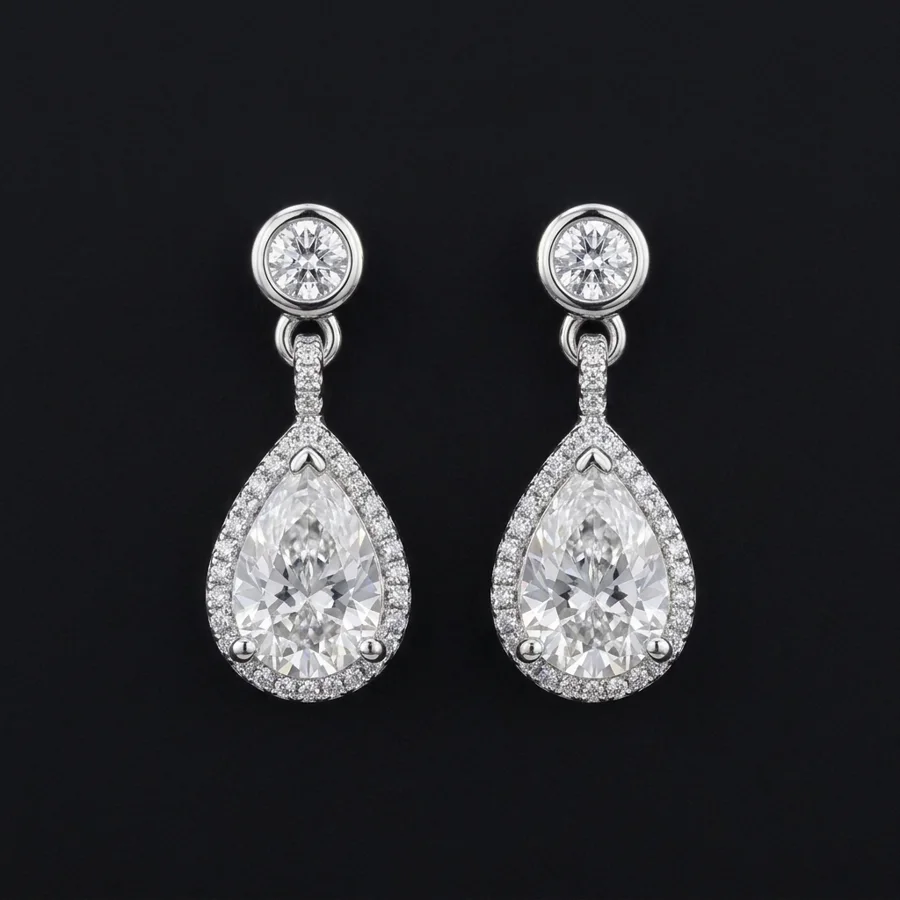
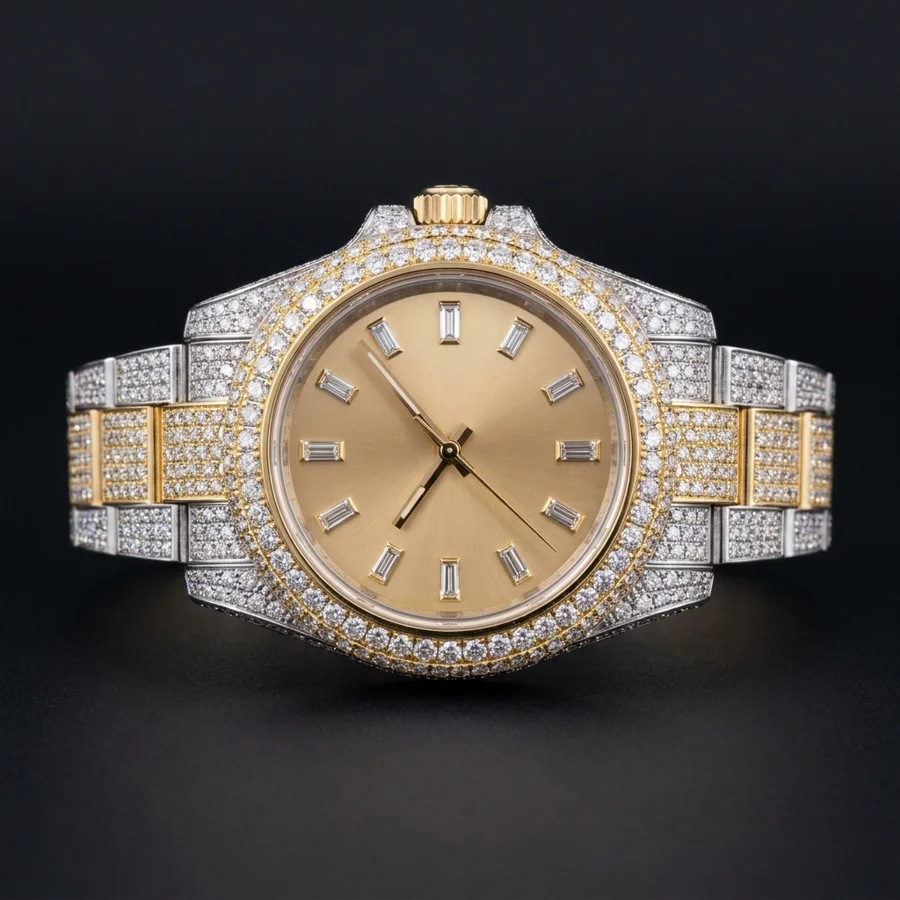
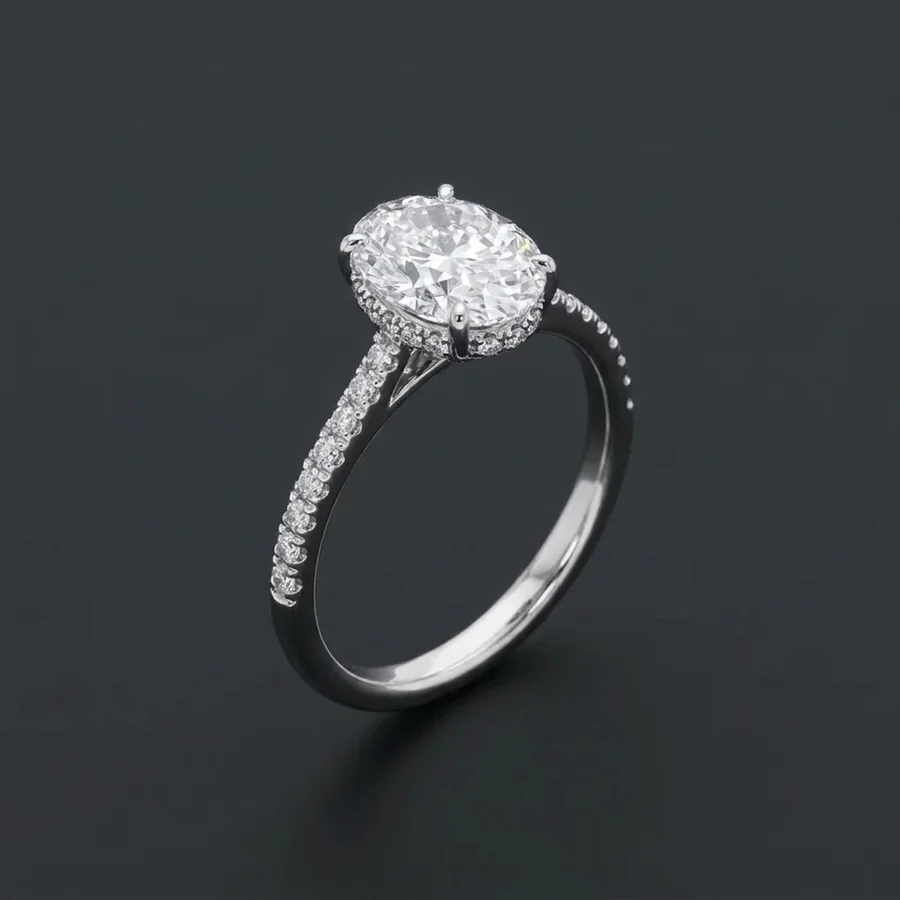
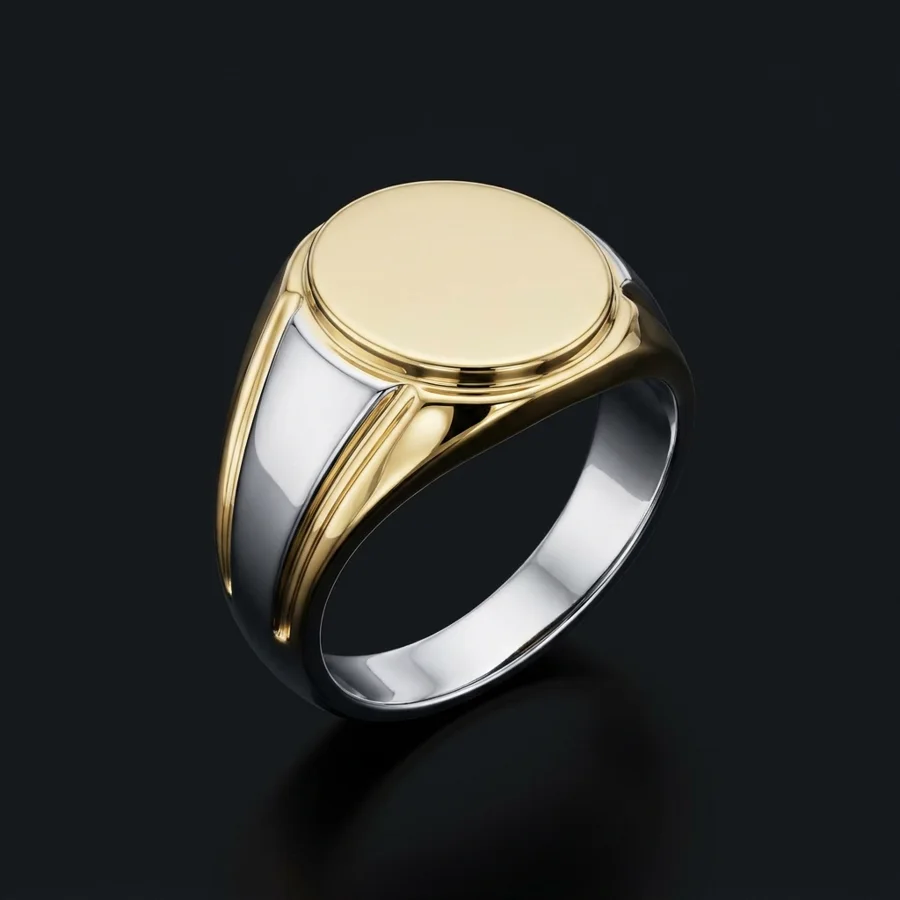
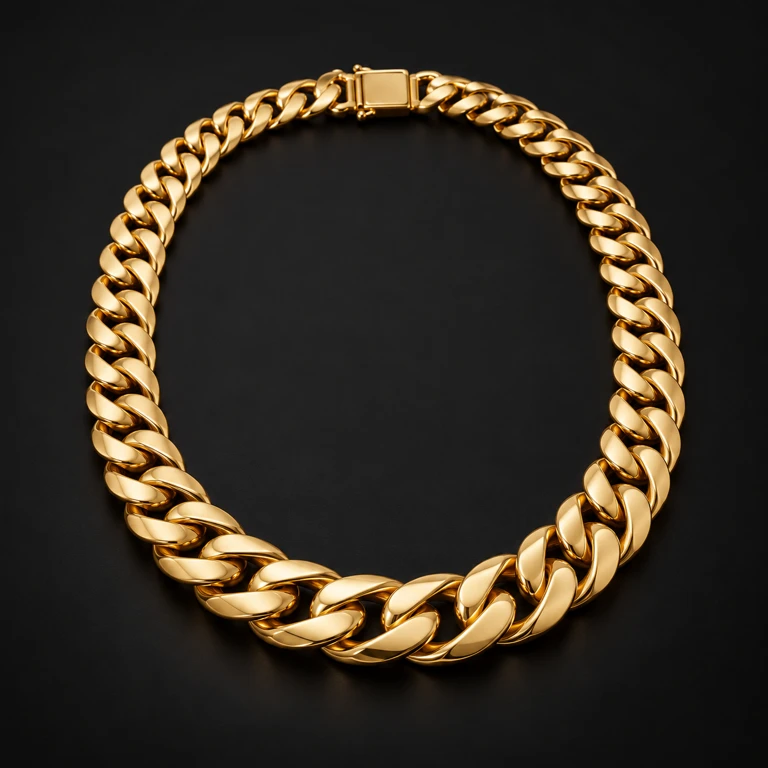
Real renders from the widget. No retouching.
One signet ring, start to finish
Your customer picks a style from pictures, then the metal and budget. Every choice comes from the options you set for that piece.
They see their ring in seconds, then ask for changes in plain words. Nothing to explain, nothing to imagine.
You get the render, the exact specs and the budget. Your first message can already be a quote.
The problem
People don't buy a piece they can't picture. A blank inquiry form asks for their details and gives nothing back, so most of them simply leave.
A typical jeweler's website
The same website with JewelryLead
Features
Customers pick a style from pictures, and the same picture guides the AI, so the render matches the shape they chose. Swap in photos of your own pieces.
"Engrave a small star." Customers change the whole image or paint over one area. Drag to compare.
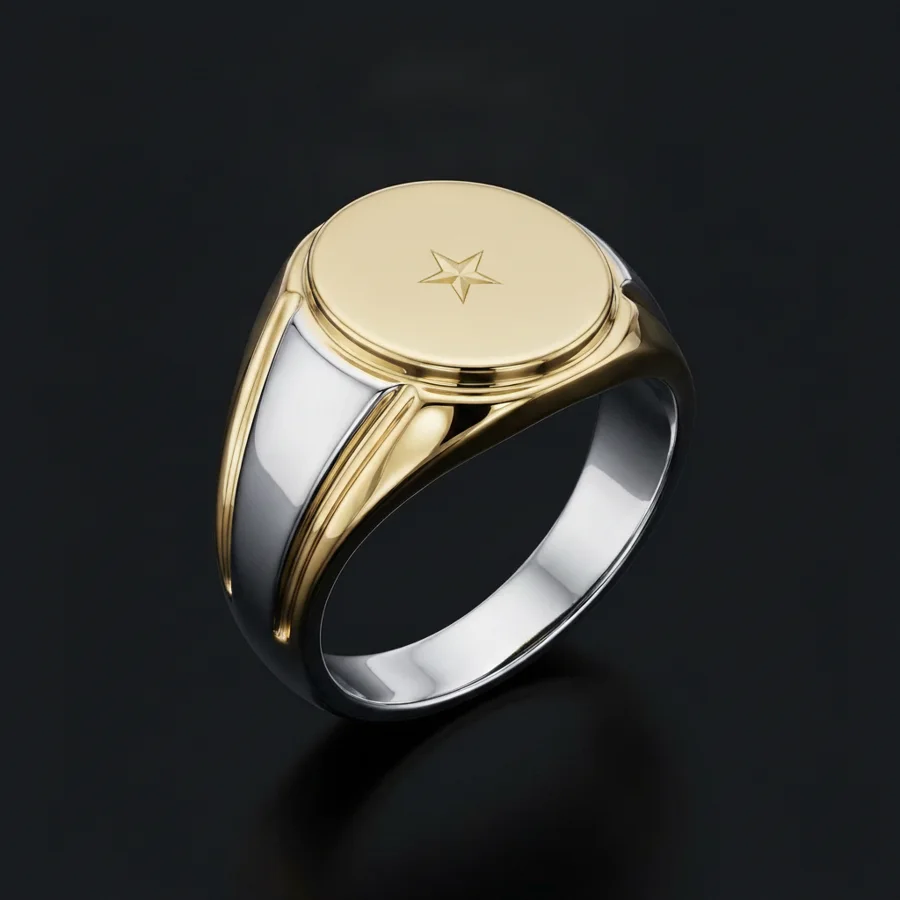 First renderAfter the change
Chain length, ring center stone, grillz cut. Each piece gets its own metals, budget ranges and details, and customers only see what fits the piece they chose.
When the render is ready, customers see your matching products under it, with a link straight to your store.
Miami CubanView in shop
Pear dropsView in shop
Oval solitaireView in shop
Your portal shows what people design and what they want to spend. Mark each lead as you work it, and follow up while they're still excited.
Example dataSetup
Fill in a short guided setup: your pieces, styles, materials and budget ranges, with photos of your own work.
Two lines of code on any page, or we do it for you. It takes your brand colors and works on mobile.
Every finished design arrives in your portal with the render, specs, budget and contact details.
FAQ
No, and the widget says so. It's a concept preview that shows the customer the style, metal, stones and text they chose. It gets them excited and gives you a clear starting point. Your final piece is still handcrafted to your standards.
Very close on what matters: piece type, shape, metal color, stone coverage and spelled text. Styles are guided by reference photos, and when those are photos of your own pieces, renders look even more like your work.
No. The widget is two lines of code that you paste on any page, and we can install it for you. It works on Shopify, WordPress, Wix, Squarespace, Webflow and custom sites.
About 20 seconds, for the first render and for each refinement.
Renders only start after a customer leaves their contact details and consents to be contacted. Every lead has a render limit, and there are rate limits per visitor.
You do. Leads are in your portal, and you can use the renders in your follow-ups.
Yes, and we recommend it. Add photos of your signature pieces during setup and customers can pick them as styles.
It depends on your store and how many custom inquiries you get. Book a demo and we'll walk you through it.
Book a demo
Tell us about your store. We'll show you JewelryLead with your own styles and tell you honestly if it's a fit.